A bigger, more interactive eLearning library for September 2026

Nine built-in courses, practical activities, clearer completion evidence and better controls for training managers.

Included with RecordMy from September 2026

RecordMy’s eLearning library is expanding to nine new and updated 2026 courses. The release brings safeguarding training for different settings together with KCSIE, online safety, data protection, artificial intelligence and cyber security.

The courses are built directly into RecordMy and are included at no extra cost, helping organisations deliver training and retain completion evidence without managing a separate learning platform.

What is changing?

The September release is more than a content refresh. It introduces a new native learning experience designed around practical decisions, accountable completion and straightforward oversight.

Interactive, scenario-led learning

Courses combine concise guidance with reveals, choices, checklists, sequencing activities, classification exercises and guided scenarios. Specialist modules also include experiences such as phishing simulations, safe-prompt reviews and deepfake awareness.

Progress that saves automatically

Learners can leave and return without losing their place. RecordMy retains screens viewed, completed activities, active learning time and course position so staff can continue where they stopped.

Meaningful completion requirements

Assessments unlock after the relevant viewing, active-time and required-activity conditions have been met. Every course uses an 80% pass mark, with questions selected from a larger course-specific bank.

Clear evidence and certificates

Staff can see their progress and training history, review completion attempts and best scores, and download a personalised certificate after passing a course.

Arriving September 2026

Explore all nine courses

These opening-screen previews use the course titles, opening content and artwork from the new RecordMy eLearning experience.

R Annual Safeguarding Training (2026) 0%
Welcome Safeguarding is everyone’s responsibility
Trusted conversation artwork from Annual Safeguarding Training 2026
2026 Children and young people

Annual Safeguarding Training

9 modules

R Keeping Children Safe in Education (2026) 0%
Five-minute update KCSIE 2026: the changes staff need to notice
KCSIE guidance artwork from the Keeping Children Safe in Education 2026 course
2026 Education

Keeping Children Safe in Education

2 modules

R Data Protection (2026) 0%
Data protection Use personal information with care and purpose
Data protection artwork from the Data Protection 2026 course
2026 All staff

Data Protection

4 modules

R Keeping Children Safe Online (2026) 0%
Online safety Online and offline safeguarding are connected
Online and AI safety artwork from the Keeping Children Safe Online 2026 course
2026 Children and young people

Keeping Children Safe Online

5 modules

R AI Awareness (2026) 0%
AI awareness AI can assist; people remain accountable
Artificial intelligence artwork from the AI Awareness 2026 course
2026 All staff

AI Awareness

3 modules

R Cyber Security – Education (2026) 0%
Cyber security in education Learning, safety and operations depend on secure systems
Education cyber security artwork from the Cyber Security Education 2026 course
2026 Schools and colleges

Cyber Security – Education

3 modules

R Cyber Security – General (2026) 0%
Cyber security Small decisions prevent large incidents
Workplace cyber security artwork from the Cyber Security General 2026 course
2026 All workplaces

Cyber Security – General

3 modules

R Annual Safeguarding – Adults (2026) 0%
Adult safeguarding Support the right to live safely
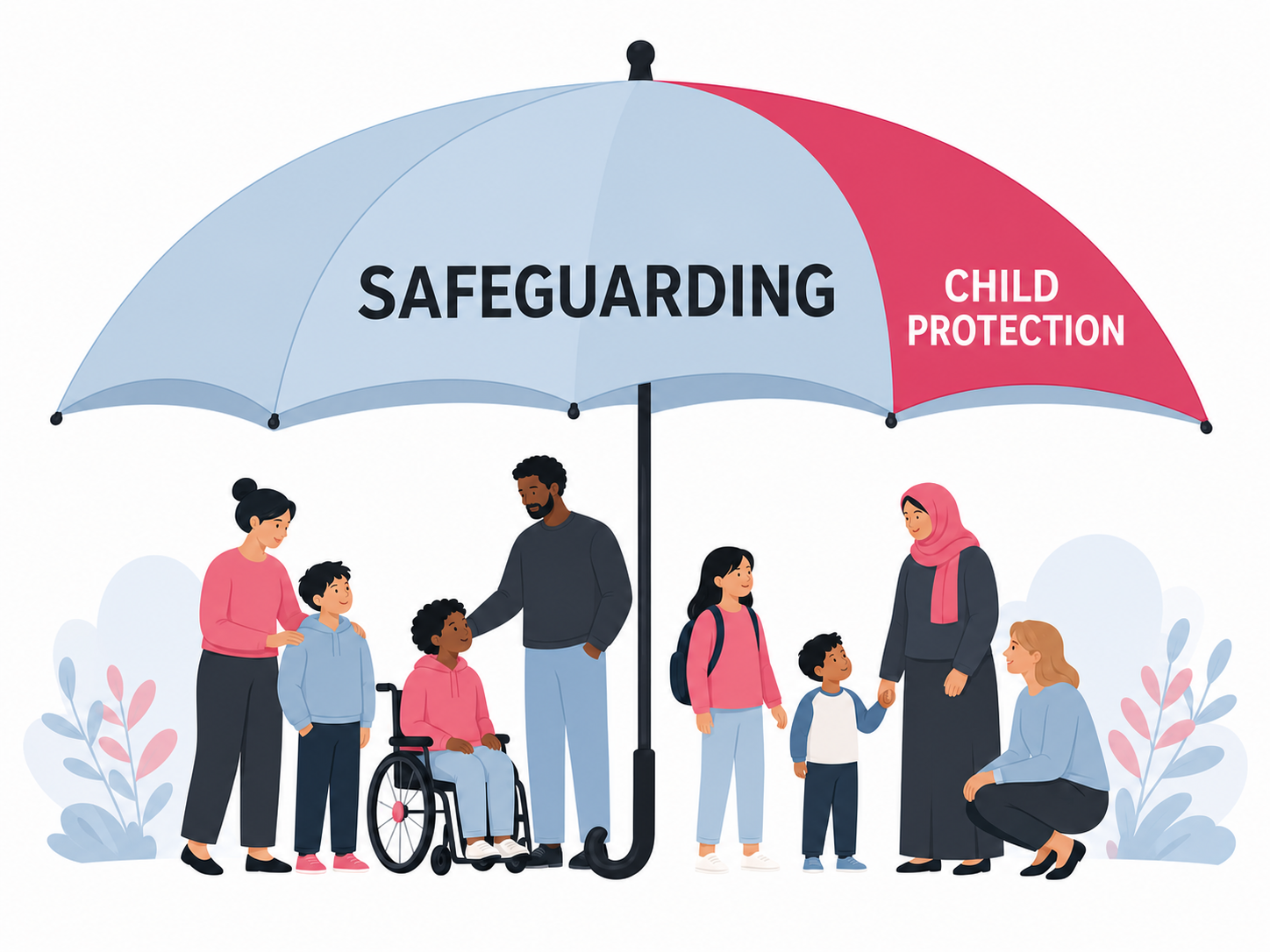
Safeguarding umbrella artwork from the Annual Safeguarding Adults 2026 course
2026 Adult-facing services

Annual Safeguarding – Adults

5 modules

R Annual Safeguarding – SEND (2026) 0%
Safeguarding SEND in education See the child, understand their communication
Trusted conversation artwork from the Annual Safeguarding SEND 2026 course
2026 SEND and education

Annual Safeguarding – SEND

5 modules

What training managers can control

The eLearning Manager gives authorised staff a clearer view of the catalogue and organisation-wide completion.

  • Choose which published courses are available to staff.
  • Mark selected available courses as mandatory.
  • See completion rates and course-level overview information.
  • Review learner completion status, scores, attempts and training history.
  • Keep certificates and course evidence connected to each user’s RecordMy account.

Courses for different settings

The library includes broad all-staff learning alongside dedicated content for schools and colleges, services working with adults, and education teams supporting children and young people with SEND.

Organisations can make the relevant combination available rather than presenting every learner with the same catalogue.

A closer look at the specialist courses

Annual Safeguarding – SEND

Dedicated education-focused training explores communication, behaviour as a possible signal, accessible safeguarding conversations, intimate care, attendance, transitions, online safety and the complementary roles of the DSL and SENCO.

Annual Safeguarding – Adults

Designed for community, workplace, health, care and support settings, this course covers the section 42 duty, six safeguarding principles, consent, capacity, financial abuse, closed cultures and person-led responses.

AI Awareness

A practical introduction to AI terminology, appropriate uses, hallucinations, bias, personal data, human oversight, safe prompting, synthetic media and deepfake risks.

Cyber Security – Education

Education-specific cyber training covers accounts, sensitive school data, phishing, ransomware, suppliers, backups and incident reporting. It also connects staff to the NCSC’s school training.

KCSIE 2026 update

A concise course focused on the substantive changes taking effect on 1 September 2026. It complements rather than replaces reading Part one, local policy and role-specific training.

Keeping Children Safe Online

Updated learning connects online and offline safeguarding, including filtering and monitoring, generative AI, image sharing, sextortion, misogyny, radicalisation, grooming and age-appropriate responses.

See RecordMy eLearning in action

Book a tailored demonstration to explore the learner experience, course library, completion evidence and eLearning Manager controls.