Safeguarding software for schools, charities, businesses, and more.

RecordMy keeps every concern connected in one place, so teams can act quickly with confidence.

Full customisation for every organisation

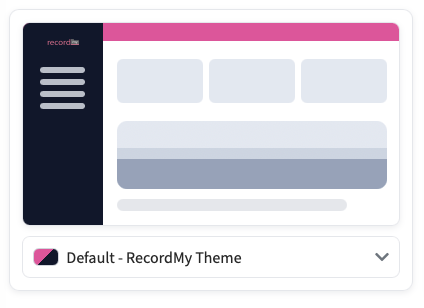
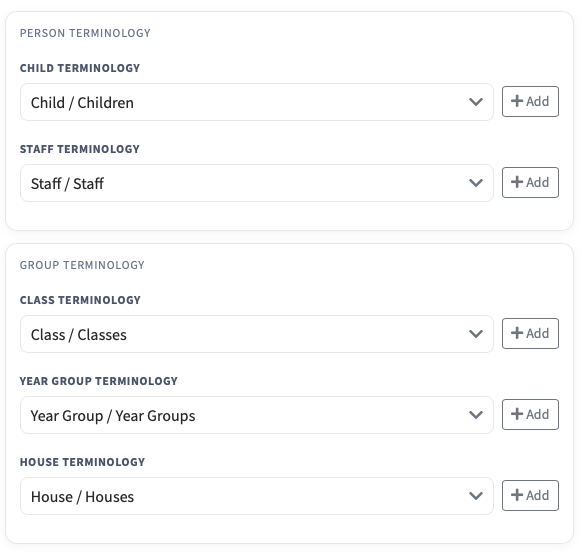
RecordMy is built for many types of organisations, so you can tailor it to match how your team works. Start with the terminology you use, then shape the forms, categories, workflows, and notifications to reflect the information you need.

Customisation flows from the categories you record, to the fields on each form, to the teams and people who receive alerts. That means your safeguarding, wellbeing, and compliance records stay consistent and relevant to your organisation.

Customisation panel overview Customising terminology Custom forms and categories Notification and workflow setup

Core features

RecordMy gives safeguarding teams a clear, consistent way to capture concerns, build evidence, and report with confidence, including SIS / MIS alignment where needed.

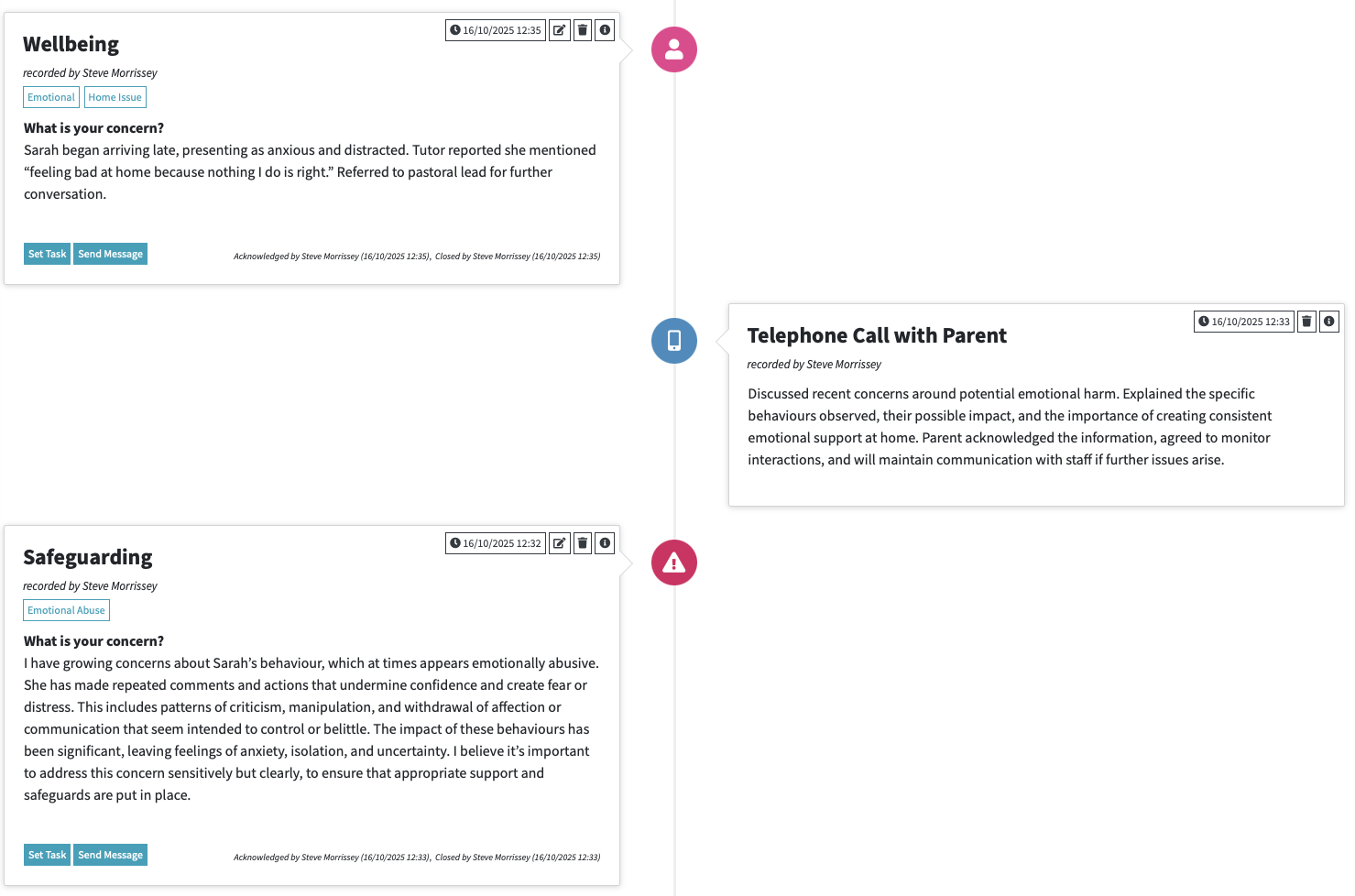
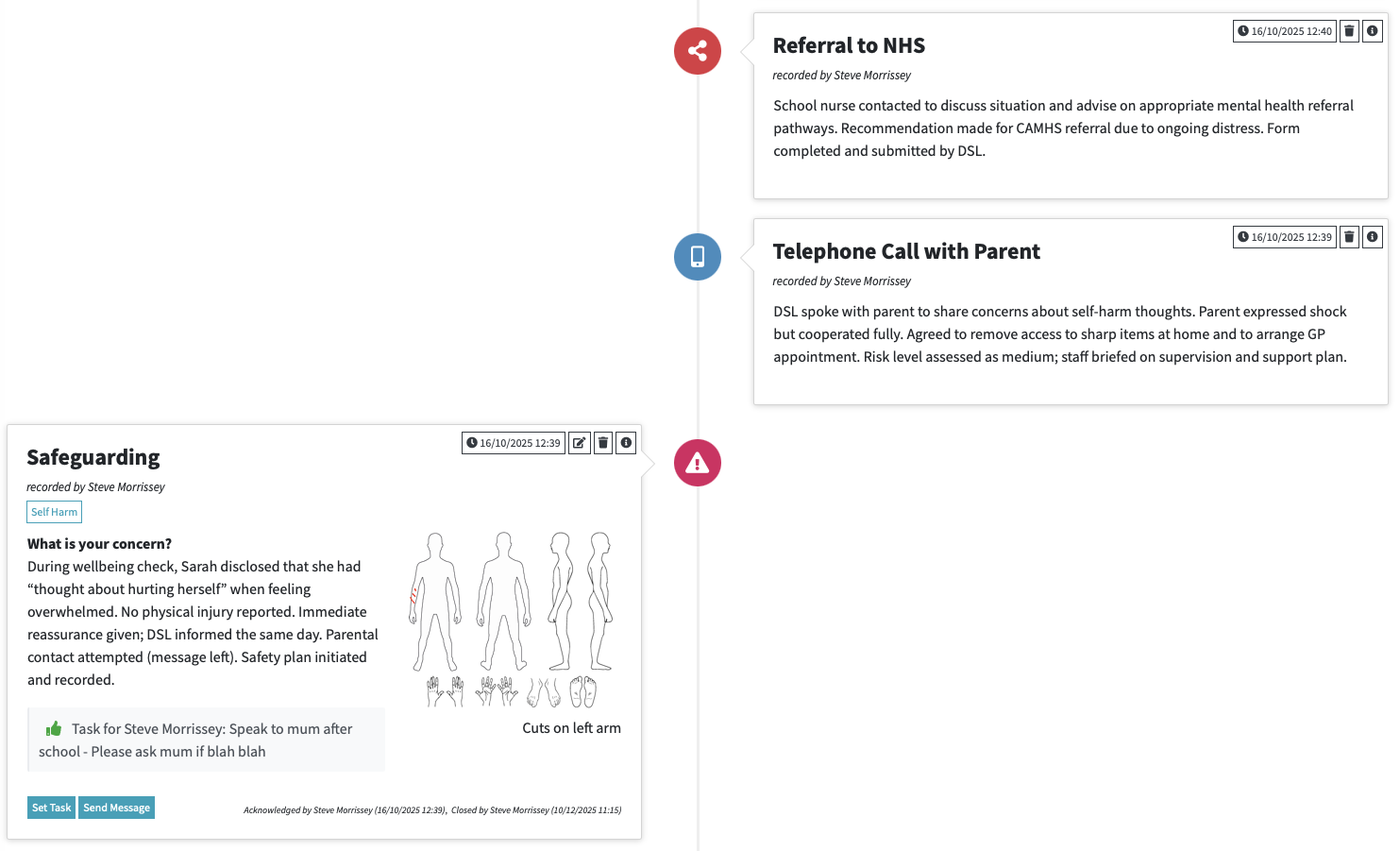
Chronology view in RecordMy Chronology timeline views

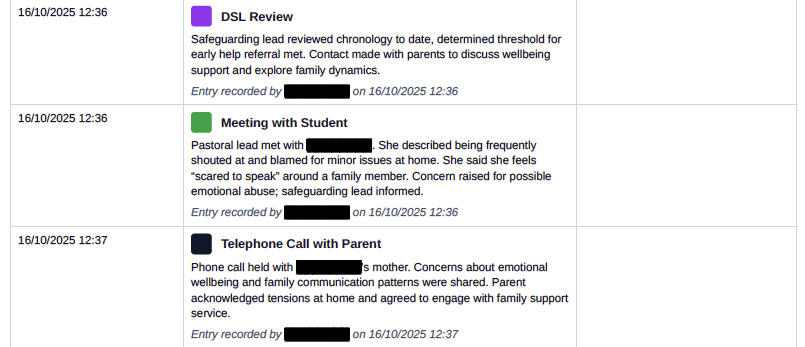
Detailed chronologies

Every student or person has a single, continuous chronology. It captures concerns, actions, and outcomes so patterns are visible and nothing is missed.

  • One chronology covering safeguarding, wellbeing, behaviour, and anything else you need to record
  • Timeline clarity for inspections such as Ofsted and audits
  • Quick access to historic context
  • Export chronologies separately or merge selected timelines together
  • Share securely with other agencies

eLearning included

Give every staff member consistent training with built-in eLearning courses at no extra cost. Popular modules cover annual safeguarding refreshers, keeping children safe online, and data protection, so compliance is simple to evidence.

  • Courses for all staff roles and responsibilities
  • Track completion and keep evidence for compliance
  • Keep training aligned with policy updates
Reporting and export options

Reporting and exports

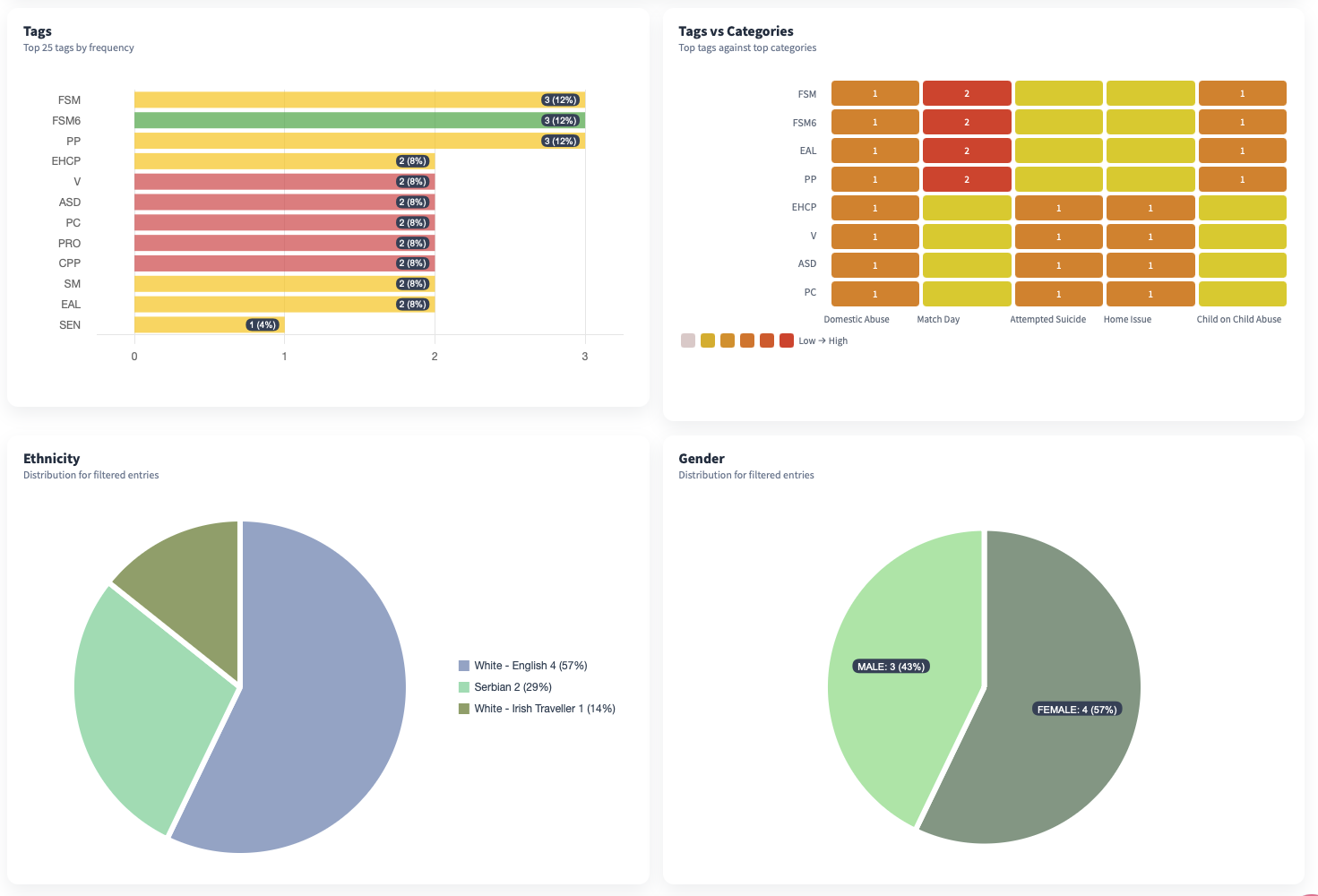
Generate inspection-ready reports, PDF timelines, and summaries that highlight risk, progress, and next steps.

  • PDF exports for sharing and audits
  • Custom reports by category, date range, or person
  • Clear summaries for leadership oversight

Staff recording

Record staff concerns, including low-level concerns, and manage referrals such as to the LADO in one place so everything stays accountable and easy to evidence.

  • Track staff concerns and referral outcomes
  • Keep decision notes and follow-ups linked to the record
  • Maintain a clear audit trail for leadership and inspections

Anonymous reporting

Create anonymous reporting forms for student worries, whistleblowing, or parental concerns and embed them anywhere so people can speak up safely.

  • Embed forms on websites or share QR codes for easy access
  • Use external links for whistleblowing or parental reporting
  • Route submissions into the right safeguarding workflows
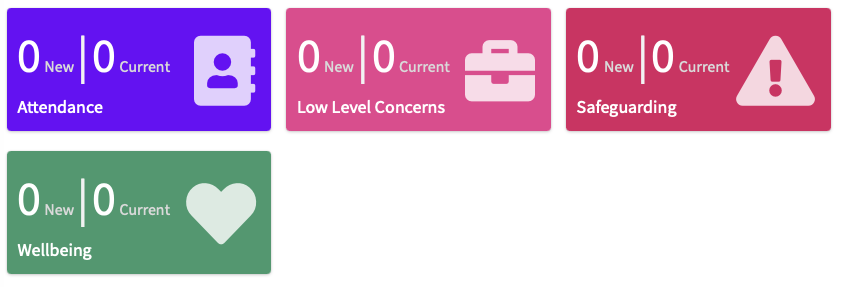
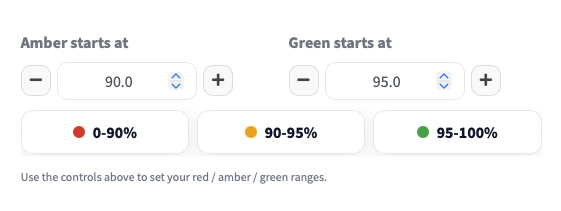
Attendance and safeguarding context Attendance insights and follow ups

Attendance and context

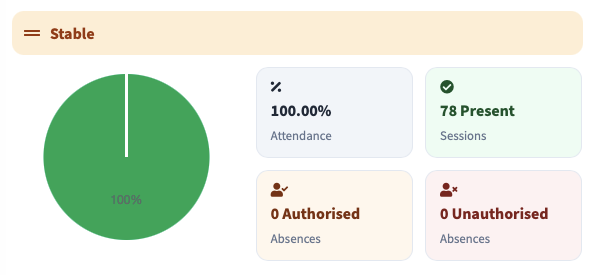
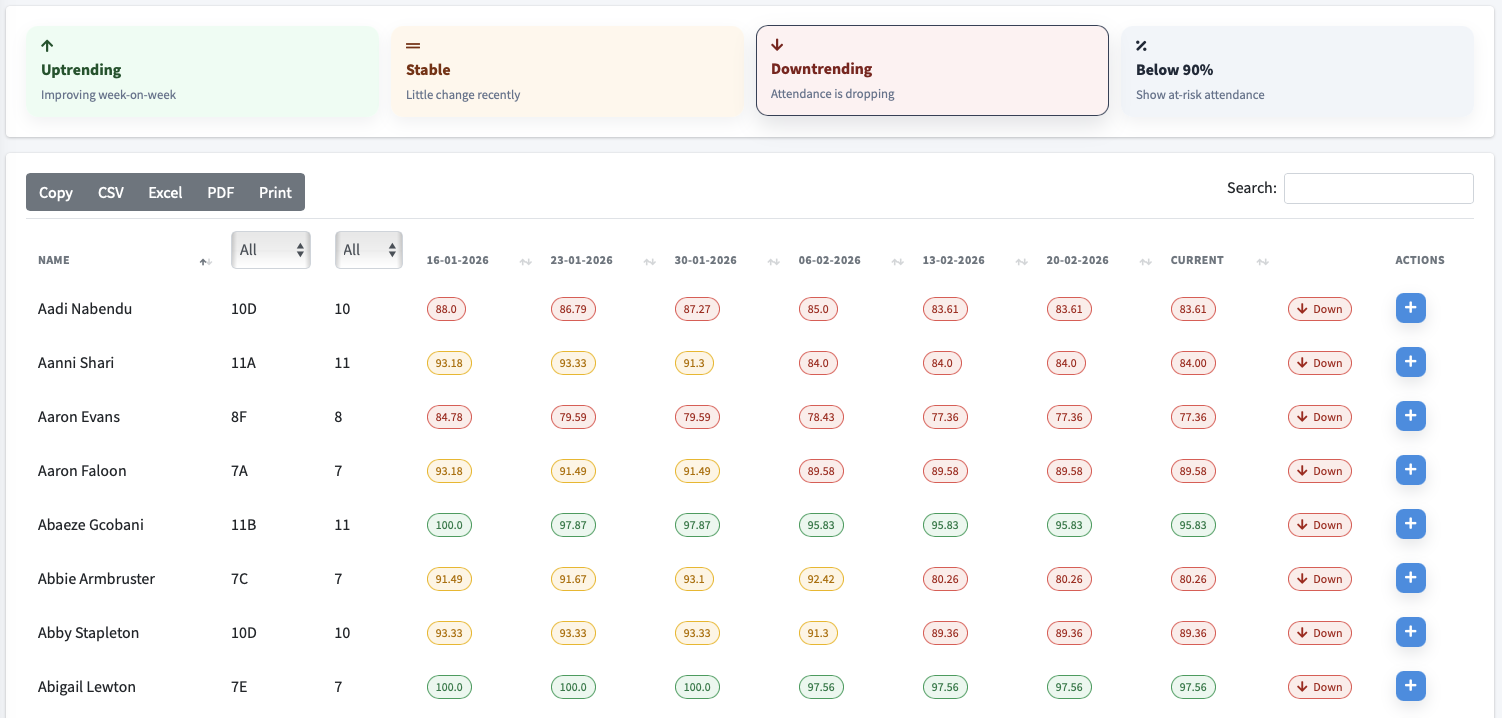
Keep attendance, behaviour, and wellbeing context alongside safeguarding to see the full picture.

  • Attendance signals highlighted next to concerns
  • Linked interventions and follow-ups
  • Custom categories for local priorities

Tasking and follow-ups

Assign tasks to yourself or other staff members and keep every action accountable. Tasks can be entry-specific or person-specific, with clear visibility into what is pending, overdue, or completed.

  • Task assignments with due dates and ownership
  • Track progress and receive completion notifications
  • Filter tasks by person, category, or status
Secure sharing and redaction tools

Securely share and download chronologies

Share chronologies securely with external agencies and download PDF timelines when needed. Use privacy mode to redact names with language models, reducing manual effort for subject access requests or evidence sharing.

  • Secure sharing for multi-agency collaboration
  • PDF downloads for inspections and audits
  • Privacy mode to redact sensitive data quickly